For Field Technicians

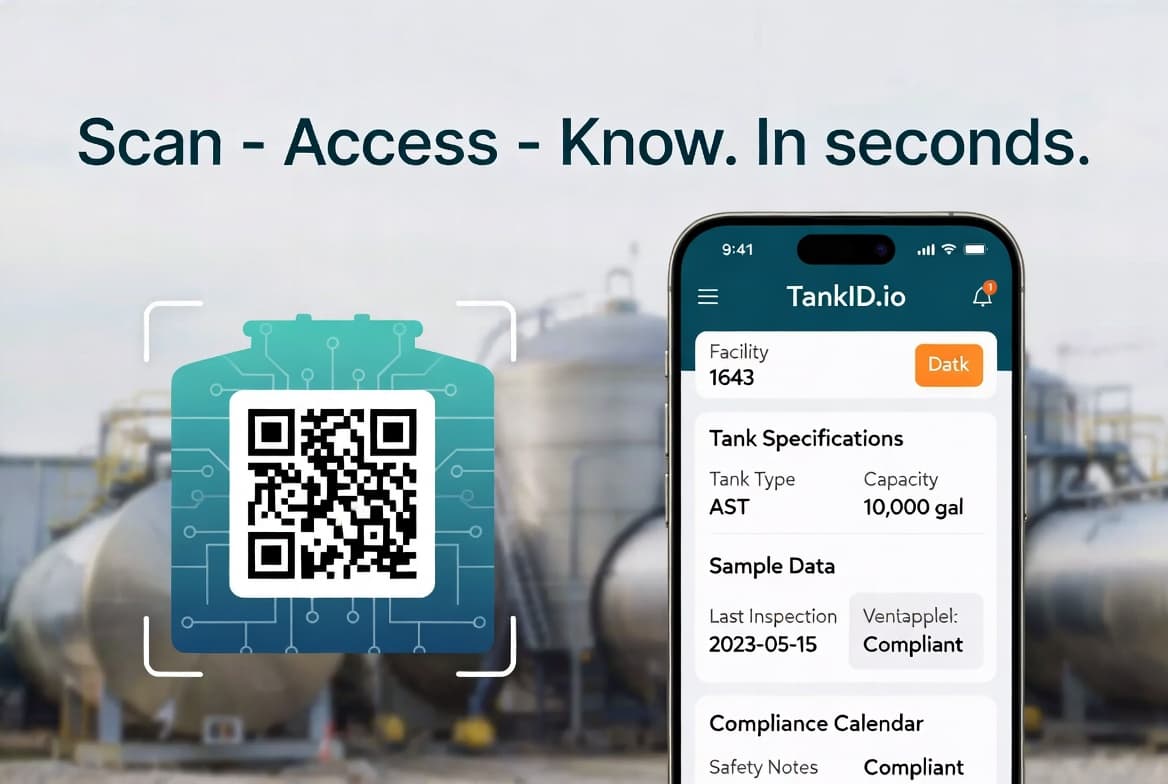
No account. No registration. Select your state, enter the facility number, and you have the full tank profile in under 20 seconds. Works on any phone.

No app download required. Works on any smartphone browser.

How it works for field technicians

01

Arrive on site

Open TankID.io on your phone — no app download, no account required. Works on any smartphone browser.

02

Scan or look up

Scan the QR label posted inside the facility, OR go to app.tankid.io — select your state, enter the facility number. Full profile in under 20 seconds.

03

View complete tank data

View the full tank chart, ATG configuration, sensor map, and complete service history. Everything you need to start the job immediately.

04

Complete your work

With all the data you need at your fingertips, complete your work efficiently without delays or guesswork.

05

Log your service call

Tap 'Log Service Call' to record findings, parts, photos, and test results. The facility owner receives an automatic service summary and the compliance record updates.

What you get access to

Tank Charts & Calibration

Full calibration tables showing exactly how many gallons correspond to each inch of product level at the actual installation depth.

ATG Configuration

ATG brand and model, probe type, sensor locations (interstitial, sump, dispenser), and last calibration date.

Tank Specifications

Complete tank specs including manufacturer, model, capacity, diameter, length, wall construction, and installation details.

Service History

Complete history of all service calls including who, when, what was done, parts replaced, and findings from previous visits.

Compliance Status

State registration number, last annual inspection date, next due date, inspector of record, and test results history.

Technical Documents

Access to installation permits, manufacturer spec sheets, tank drawings, and other technical documentation.

Find the TankID QR label

Every registered facility has a weatherproof QR label posted inside — on the office wall, pump room door, or utility area. Scan it on arrival for the full tank profile in under 20 seconds.

Scan with any smartphone camera — no app needed

Manual fallback: facility number printed below QR code

Or go directly to app.tankid.io and enter state + facility number

TankID QR Label

Start looking up facilities today

No registration required. Works on any phone. Get the tank data you need before you start the job.

TankID makes tank data accessible when you need it.